
Casino · Live · Sports
Wageon Login Guide: Sign In, Reset Password and Fix Access Issues
How to sign up and log in at Wageon from the United Kingdom in 2026: steps, verification and account security.

Wageon key details for UK players
| Products | Casino, live casino, sportsbook | ||
| Payment options | Visa, Mastercard, PayPal, Skrill, Apple Pay, Trustly | ||
| Minimum deposit | 10 GBP | ||
| Currency | GBP | ||
| Game studios | NetEnt, Play'n GO, Evolution, Hacksaw Gaming and more | ||
| Age requirement | 18+ |
Wageon offers for new UK accounts
Wageon: welcome bonus for new players
- fast payouts
- mobile-friendly
- quick registration
Wageon in short answers
How do I verify my account?
- You upload an ID document in your profile once.
What is the minimum deposit?
- The amount is listed for each payment method.
Is the site legal?
- The operator works under a licence and checks players' age.
Getting started at Wageon in minutes
Create an account
Fill the form and confirm your email.
Make a deposit
Choose a method and confirm the payment.
Claim the bonus
Enter the promo code before the first deposit.
I walk through the Wageon login for returning players in the United Kingdom, from credentials and password reset to live chat help and the mobile app, with a pointer to registration for newcomers.
Sign In to Your Wageon Account in Five Steps
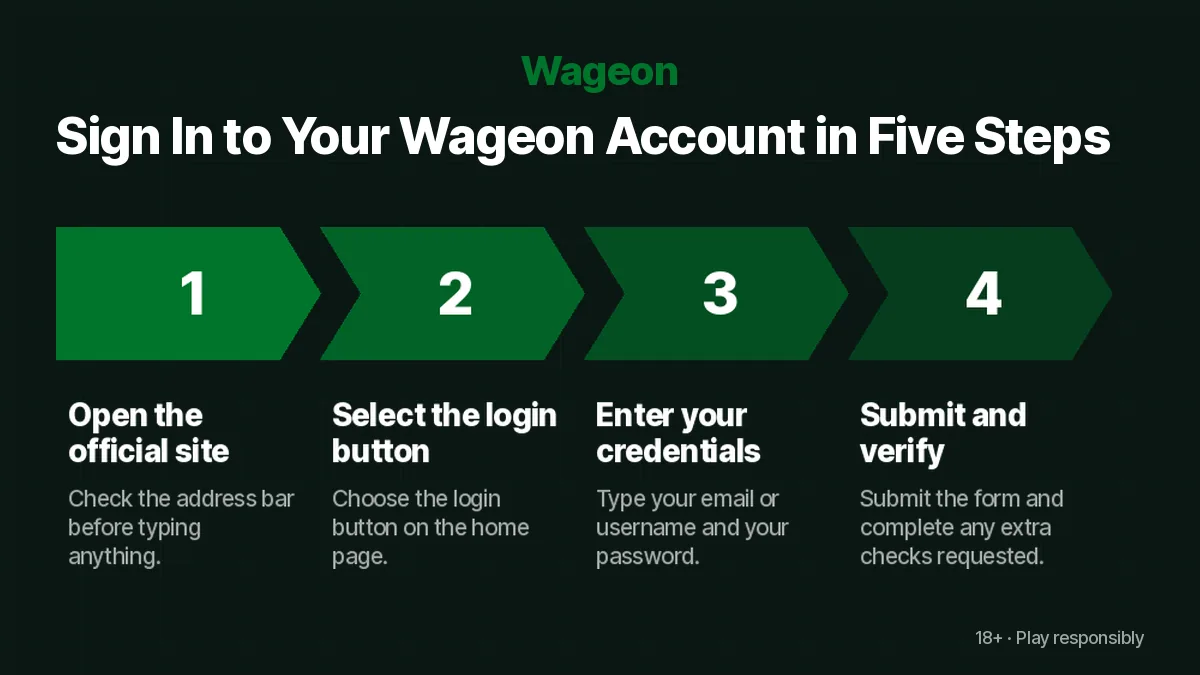
This guide is for existing account holders in GB who want to complete a wageon login; it does not suit new visitors, who must register first. I walk through the process below. You need a registered account, your email or username and your password, and after signing in you land in your account area. Players must be 18+.
1. Open the official wageon site and check the address bar before typing anything.
2. Select the login button on the home page.
3. Enter your email or username and your password.
4. Submit the form and complete any extra verification the screen asks for.
5. Check that you are in your account, then review your limits and settings.
On the login screen I look at three things: that the connection is secure, that the fields accept my credentials without errors, and that a password reset link is visible. If the password fails repeatedly, the account may become locked, and live chat or email support is the route to getting it reviewed.
What you need before you log in
A wageon login requires a registered account, so registration must come first. I recommend having your credentials ready before you start, ideally from a password manager, and checking the address bar before typing a password. Beyond that, you need a device with a stable connection, because a dropped connection mid-submit can trigger errors or an account locked message. You also need to be in a permitted location, as Wageon is available in the United Kingdom and access from elsewhere may be restricted. If you forget your password, use the password reset option instead of guessing, since repeated wrong attempts are the usual cause of a lock.
No account yet? Where to start
Login depends on registration, so newcomers cannot skip it. If you have not created a profile, begin with the wageon registration page, finish the sign-up and verification, then return here to sign in. Wageon also offers live chat and email support if anything stalls.
Logging In on Mobile Browser and the Wageon App
You can sign in from a phone either through the mobile browser or through the Wageon mobile app. Both use the same account, so your email or username and password work in either place. I would start with the browser, since it needs no installation, and move to the app if you prefer it.
Browser first
In the browser, I open the official site, tap the login button and enter my credentials as on a desktop. The layout adapts to the screen, and the password reset link remains available if I mistype. Before entering anything, I check the address bar, as I would on any device.
Using the Wageon app
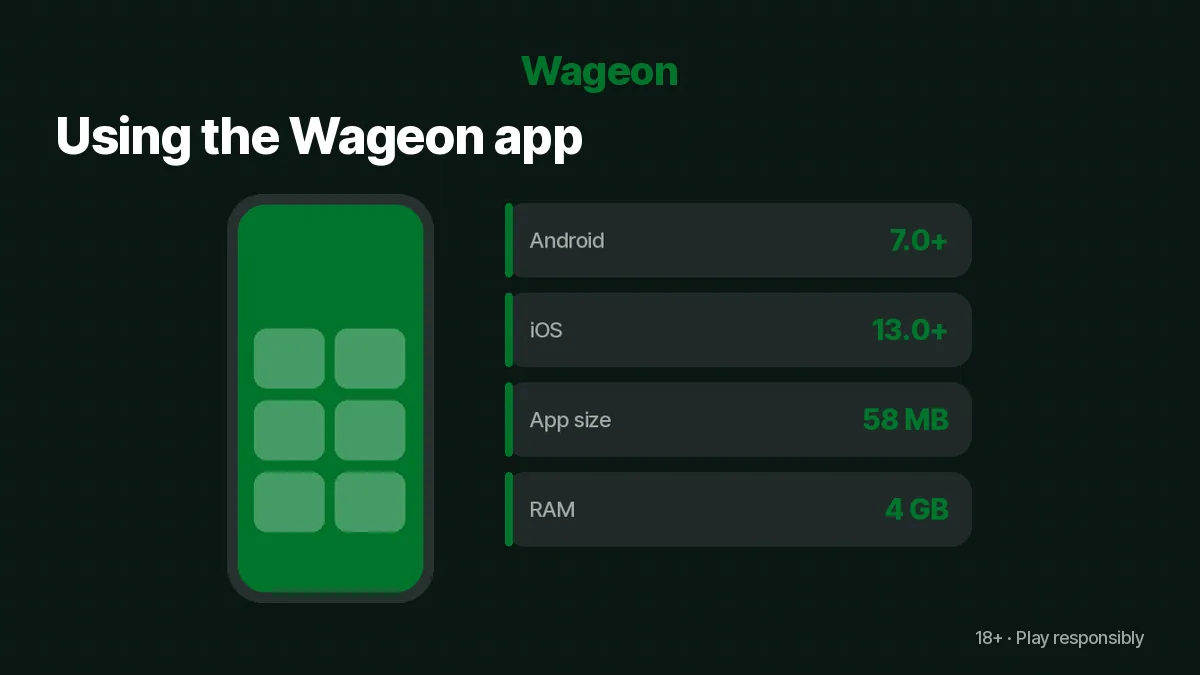
The wageon app is the alternative for returning players who want quicker access from a home screen. Wageon offers a mobile app, and it includes slots alongside the rest of the account features. The login screen asks for the same details as the website, so I describe it simply: enter your credentials, submit, and you are in your account. For the installation route, see the wageon app download page, and use only the link the operator provides.
What differs for a returning player
The account is identical in both places, so balances and settings are the same. The practical difference is convenience versus setup: the browser needs nothing extra, while the app takes a one-off installation. Whichever I use, I keep my device locked, avoid public Wi-Fi for logging in, and set deposit limits before I play. Gambling carries financial risk and should be treated as entertainment, for adults aged 18+ only.
Forgot Your Password or Email? Recovery Options
If you forget your password, use the reset option on the login page and follow the message sent to your registered email. If that email is gone, or the message never arrives, live chat is the route to take. Have your account details ready, because recovery without access to the original contact normally goes through support.
Resetting a forgotten password
On the wageon login page I use the password reset link, enter the email tied to my wageon registration, and wait for the message. I check the spam folder first, since reset emails often land there. I request only one reset at a time: each new request can make the earlier link stop working, so repeated clicking tends to create more confusion than it solves. The reset message states how long its link stays valid, so I act on it promptly rather than guessing.
If the site asks for an OTP (a one-time passcode) during recovery, it is sent to the contact details saved at registration, so those details need to be current.
When the registered email or phone is no longer available
Without access to the original inbox or number, a self-service reset will not work. I would open live chat, explain the situation, and have account details ready, such as the name and date of birth used at registration and any recent account activity. Wageon also offers email support, though chat is usually the faster way to describe the problem. Because Wageon requires verification, expect to be asked to prove who you are before any contact details are changed. That is an annoyance, but it protects your account from someone else claiming it.
Quick reference
| Problem | First thing to try | When to contact support |
| Forgot password | Use the password reset link on the login page | If no message arrives after checking spam and waiting |
| Reset message never arrives | Check spam, confirm the email spelling, request one reset only | If the address is correct and nothing shows up |
| Registered email lost | Nothing to self-serve | Straight away, via live chat with account details ready |
| OTP not received | Check the phone number saved on the account | If the number is outdated or unavailable |
| Account locked after reset attempts | Read the message shown on screen | Ask support what the lock means and how to lift it |
Account Locked or Login Failing: What Goes Wrong and How to Fix It
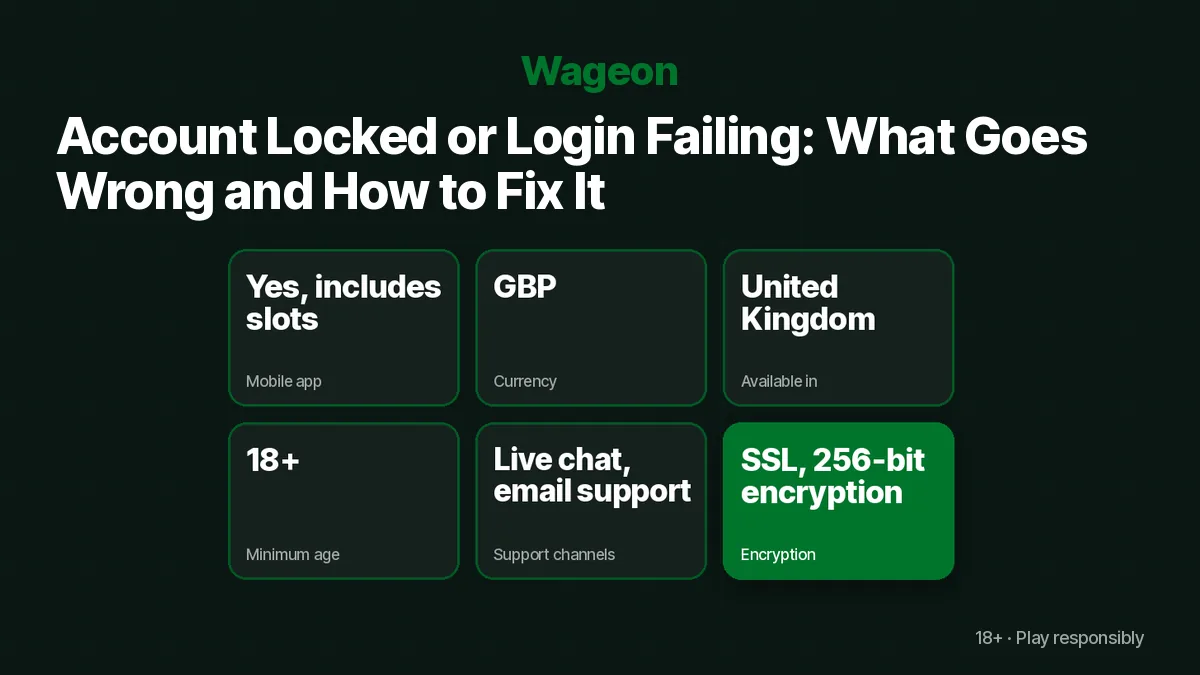
Most login failures come down to a few causes: repeated wrong passwords that trigger an account locked status, a VPN or location mismatch, an outdated saved password, or verification still pending. Note the exact error text, try a password reset, and contact live chat if the message points to a lock or a verification issue.
The causes people learn too late
Repeated wrong passwords are the classic trigger. After several failed attempts a wageon login can be locked as a protective measure, and I would stop guessing at that point instead of making it worse. The lock message or support states how long it lasts, so I read it rather than assume.
An outdated saved password is the sneakiest one. If I changed my password through a reset and my browser or password manager still fills in the old one, every automatic attempt counts as a failure.
A VPN can also block access. Wageon uses SSL to protect the connection, and security checks look at where you connect from, so a VPN or an unexpected location may trigger a block. I switch it off before logging in and follow local rules on where online gambling is permitted.
Finally, pending verification can limit what you can do. Wageon requires verification, and an account that has not completed it may be restricted until the documents are reviewed.
Login error checklist
| Symptom | Likely cause | Fix |
| Password rejected, but I am sure it is right | Outdated saved password autofilled | Clear the saved entry and type it manually, or use password reset |
| Account locked message | Too many failed attempts | Wait as the message states, or ask live chat to review it |
| Page loads but login fails or is blocked | VPN or unexpected location | Disconnect the VPN and try again |
| Cannot log in at all | wageon registration not completed or email not confirmed | Finish the wageon registration steps, then log in |
| OTP does not arrive | Wrong or outdated phone or email on file | Check the contact details, then ask support |
| Restricted access, no clear error | Verification pending | Complete verification and ask support for the status |
Before you contact support
I copy the exact error text or take note of it, along with the time and the device I used. Support can usually act faster on a precise message than on "it does not work". Live chat and email support are both available, and I would open chat first. Login problems are never a reason to chase losses or rush a deposit; if frustration builds, step away and set deposit limits before returning.
OTP, 2FA and Verification: Why Wageon May Ask for Extra Checks
Wageon may ask for an OTP, a 2FA step or identity verification when you sign in, change account details or request a payout. These checks exist to confirm the account holder is really you. Wageon uses SSL, and I confirm the padlock and the correct web address before typing any credentials.
What I expect and how I check
An OTP is a one-time code sent to the contact details on the account, and it is only useful for a short time. A 2FA step adds a second proof at login on top of the password. Wageon requires verification, and I expect identity checks to be completed before a withdrawal is processed. I do not assume any timeline for this.
Wageon uses SSL and 256-bit encryption to protect data in transit between my device and the site. That does not protect me from a fake page, so I check the padlock in the browser bar and read the address carefully. If something looks off, I leave and type the address myself. VPN restrictions may also trigger extra checks, so I connect normally.
Habits that keep your account safe after sign-in
These are the habits I follow myself:
- I use a unique password that I do not reuse anywhere else.
- I log out on shared or borrowed devices, and I never save passwords there.
- I avoid public Wi-Fi when logging in, or I wait until I am on a trusted connection.
- I never share an OTP with anyone, including people claiming to be support.
- I keep my email and phone details up to date so codes reach me.
After You Log In: Cashier, Bonuses and Limits
Once you are back in your account, the cashier handles payments, the bonus page lists current offers, and the responsible gambling tools let you set limits. As a GB player, I would set deposit limits before making any payment. You can fund your account in GBP with Visa, Mastercard or PayPal, which Wageon accepts.
Deposits and withdrawals
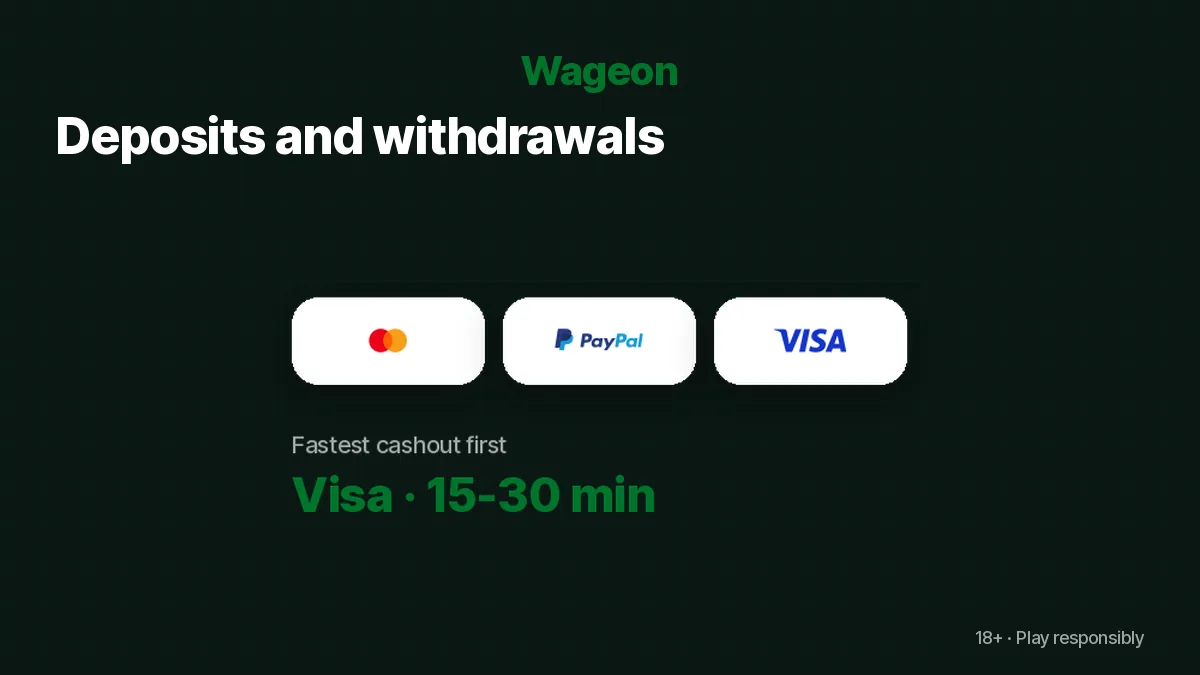
For a wageon deposit, I open the cashier, choose Visa, and enter an amount I have already decided I can afford. A wageon withdrawal follows the same cashier route, and because Wageon requires verification, I keep my documents ready in case checks are requested. I do not assume any processing times.
Set limits first
Before my first deposit, I set a deposit limit in the account settings. If gambling stops being fun, self-exclusion tools are available, and GamCare offers free, confidential support.
Bonuses and loyalty
Wageon offers a loyalty program and free spins in some promotions. I read the full terms on the bonus page before opting in, since wagering rules and eligibility vary. Details of the wageon welcome bonus are kept there, and any wageon promo code requirements are listed alongside each offer. Wageon free spins also appear on that page when they are available. For the separate offer, see the wageon no deposit bonus page.
Who Wageon Login Suits and Who Should Look Elsewhere
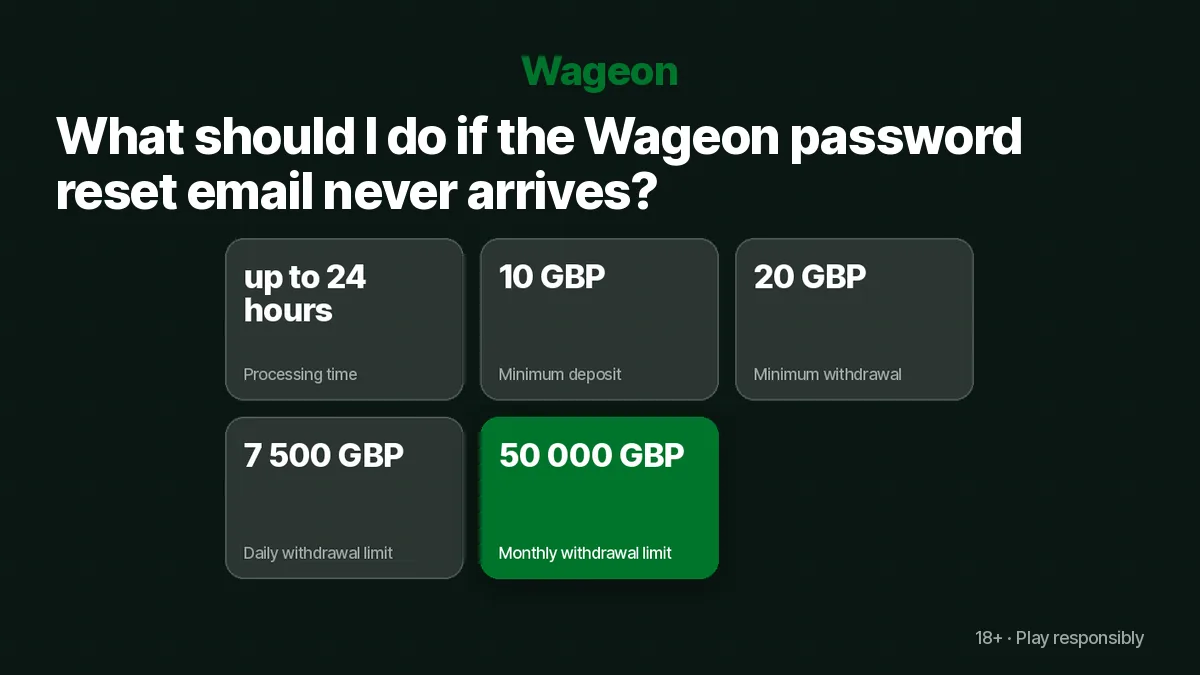
The wageon login is straightforward if you completed wageon registration, can reach your registered email and phone, and are 18 or over. It suits adults who keep their details current. If you lack access to your email, rely on a VPN, or are under 18, I would hesitate.
My honest take
I find sign-in simple when the basics are in place. Most problems I read about in wageon reviews trace back to lost email access, an outdated saved password or a VPN, not to the login page itself. Login requires registration, so there is no way around completing that first. A password reset fixes most forgotten-password cases, but only if the registered email still works.
Quick pass/fail checklist
Likely to be smooth for you if:
- You are 18 or over and completed wageon registration with accurate details.
- You can still open the registered email and receive messages.
- You connect without a VPN from a location where online gambling is permitted.
- You can use a password reset without being rushed.
Look elsewhere or expect friction if:
- You are under 18. Gambling is not for you, and this is not negotiable.
- You have lost access to your registered email and cannot provide account details.
- You rely on a VPN, which can cause blocks or an account locked message.
- You treat gambling as a way to make money. It is entertainment with a financial risk, so only stake what you can afford to lose.
Where to escalate
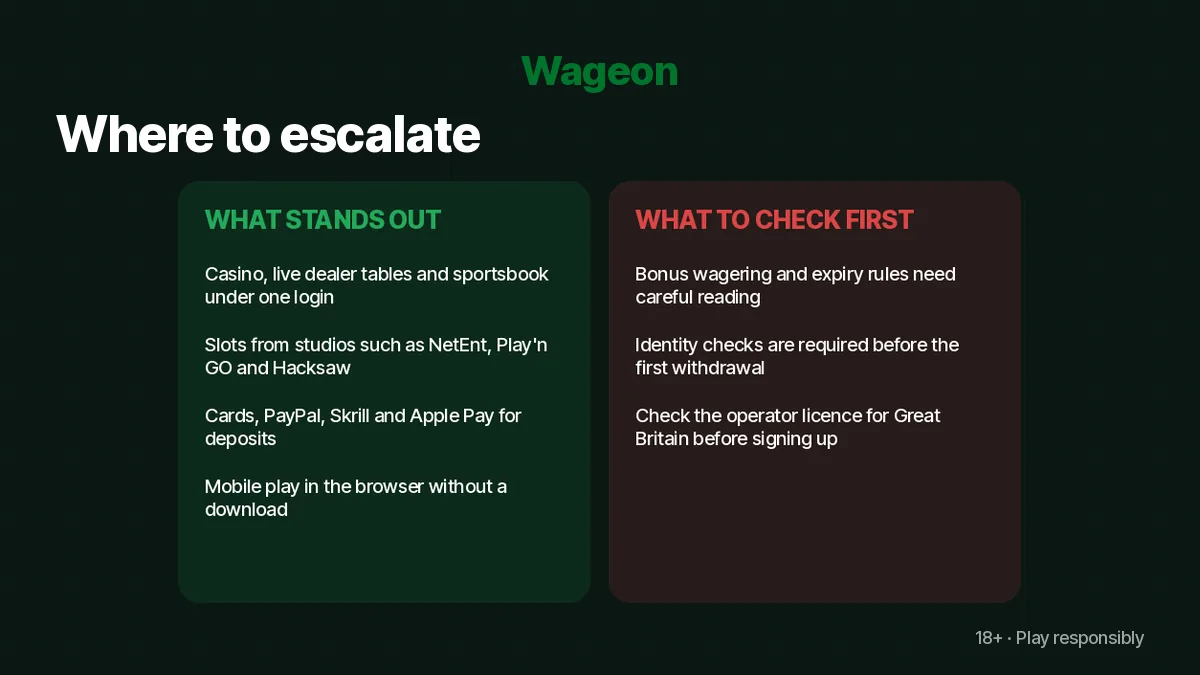
If something goes wrong, I start with live chat, and I use email support when I want a written record. Wageon offers both.
FAQ
Can I stay logged in to my Wageon account on several devices at once?
The login screen asks for the same email or username and password on every device, and the account itself is identical on desktop, mobile browser and the Wageon app. Whether the site allows simultaneous sessions is shown in the account settings or confirmed by live chat. I log out on shared or borrowed devices and never save passwords there.
How long does a Wageon account stay locked after failed login attempts?
The lock message on screen states how long the restriction lasts, so I read it rather than assume a duration. Repeated wrong passwords are the usual cause. Stop guessing, use the password reset link, or ask live chat to review the lock. Guessing again only extends the problem.
Can I log in to Wageon with a phone number instead of an email?
The login form asks for your email or username and your password. A phone number is mainly relevant for OTP codes, which go to the contact details saved at registration. If the number on file is outdated, ask live chat to update it, expecting identity checks first.
Why does Wageon ask for an OTP when I sign in from a new place?
An OTP or 2FA step confirms the account holder is really you, and it can appear at login, when you change account details or when you request a payout. A VPN or unexpected location may also trigger extra checks. Connecting normally from the United Kingdom without a VPN reduces these prompts.
What should I do if the Wageon password reset email never arrives?
Check the spam folder first, then confirm the email address is spelled exactly as at registration. Request only one reset at a time, because a new request can make the earlier link stop working. If the address is correct and nothing shows up, open live chat with your account details ready.
Is a VPN really a problem for a Wageon login from the UK?
Yes, it can be. Security checks look at where you connect from, so a VPN or an unexpected location may block the login or trigger extra verification. Switching it off before signing in is the simplest fix, but you lose the privacy a VPN offers on public networks, so I log in from a trusted connection instead.
Does the Wageon app use different login details from the website?
No. The Wageon app asks for the same email or username and password as the website, and balances and settings are identical in both places. The browser needs no installation, while the app takes a one-off setup. Use only the download link the operator provides.
Why can I log in to Wageon but still not withdraw money?
A successful login does not mean verification is complete. Wageon requires verification, and an account that has not completed it may be restricted until documents are reviewed, with identity checks expected before a withdrawal is processed. Keep your documents ready and ask live chat for the status. The cashier shows the withdrawal route.
Where do I find the Wageon welcome bonus and its wagering terms after logging in?
Once you are in your account, the cashier shows the welcome bonus and the bonus page lists current offers, including any promo code requirements. The welcome bonus carries Wager x40 terms. I read the full conditions before opting in, since wagering rules and eligibility vary by offer.
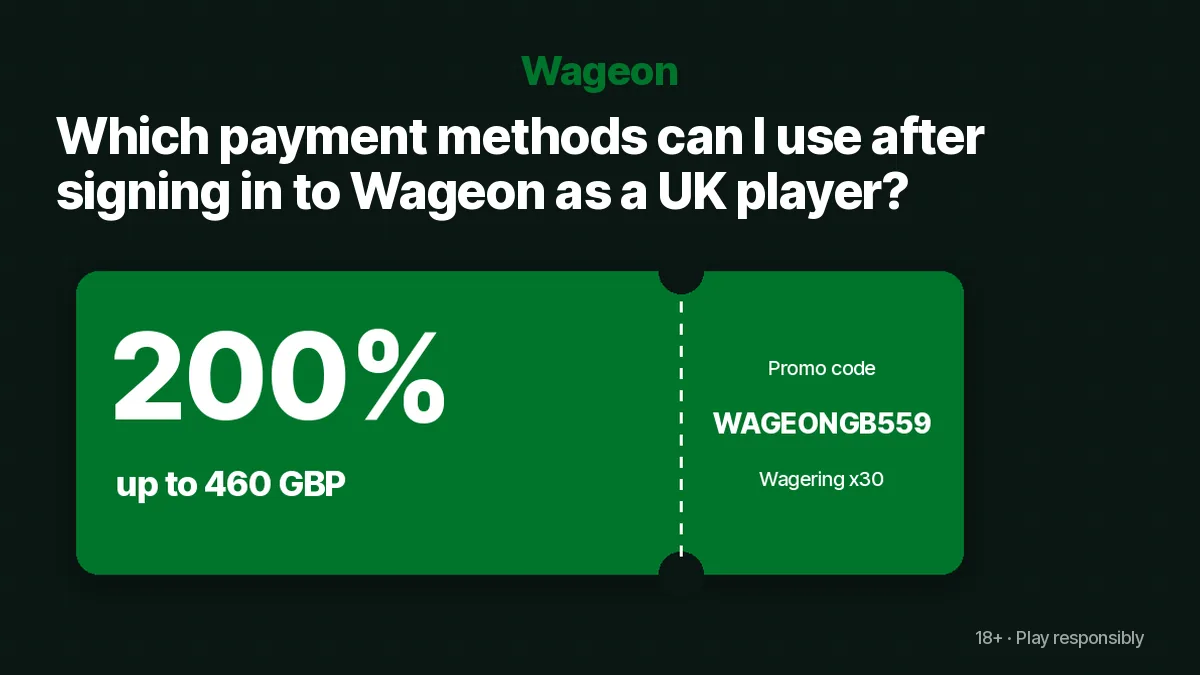
Which payment methods can I use after signing in to Wageon as a UK player?
Wageon accepts Visa, Mastercard and PayPal in GBP. For a deposit, I open the cashier, choose Visa and enter an amount I have already decided I can afford. Set a deposit limit in the account settings before the first payment. GamCare offers free, confidential support if gambling stops being fun.